
📱 Get started with Headlight app on your mobile device! Mini Guide.
Check Before You Start
🚨 Before you begin, make sure you have:
- access to your device’s app store and
- your Headlight login details.
Setup & Login
Follow these simple steps to download your app and get started:
- 📱 Download the Headlight app from:
- App Store (iPhone)
- Google Play (Android)
- ⬇️ Install your Headlight app.
- 🔐 Log in using the same method as on desktop (SSO or password).
- Use the same credentials as used in on the web application, typically your Microsoft credentials.
- 🏠 After logging in, you’ll arrive on the main page showing your personal information.
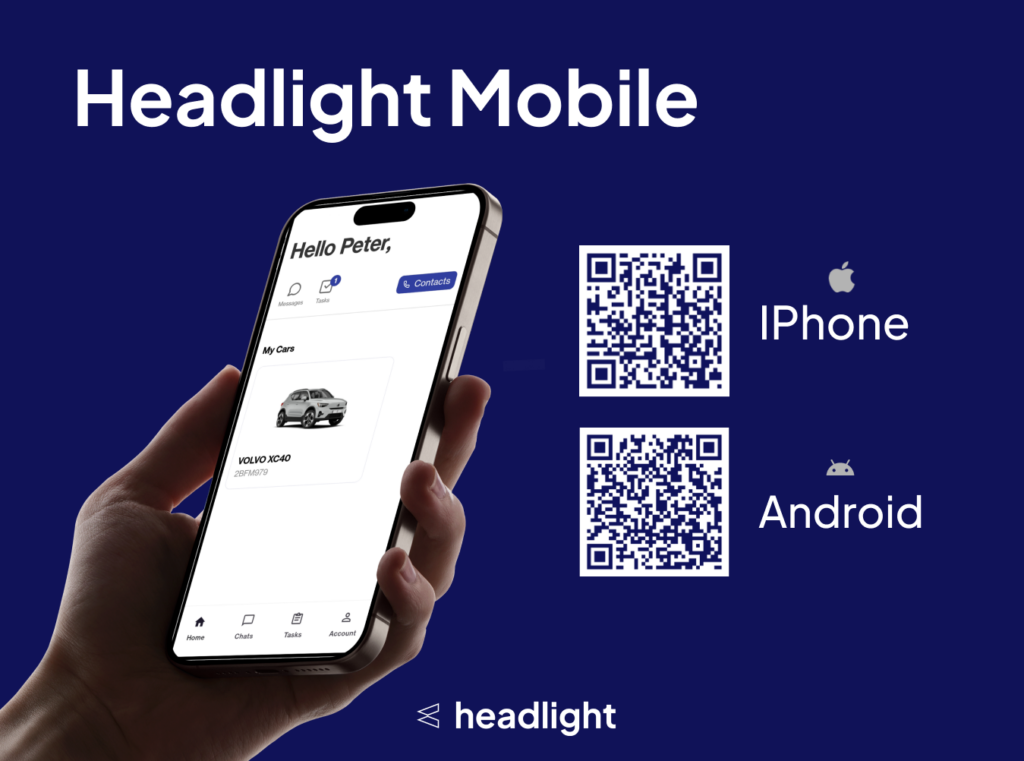
Navigate the Main Page
The Home Page is the starting point for most actions in the mobile app.
- Scroll down to explore available sections.
- 🧠 Content displayed depends on your account, vehicle, and company policy.
Watch the video!
Open this link on your mobile device to watch the video optimized for mobile format:
https://app.arcade.software/share/6v5CQOvOfzu8eyZ9X8Ot
✅ You have now completed the mini guide for this part of the Headlight app!
Check out the next training on how to use other parts of the Headlight app.


