
📱 Learn how to use the Headlight mobile app to access key features such as tasks, messages, contacts, documents, and mobility assets directly from your smartphone.
Get Started with Headlight App
- You can choose to watch the dedicated training in the chapters linked below.
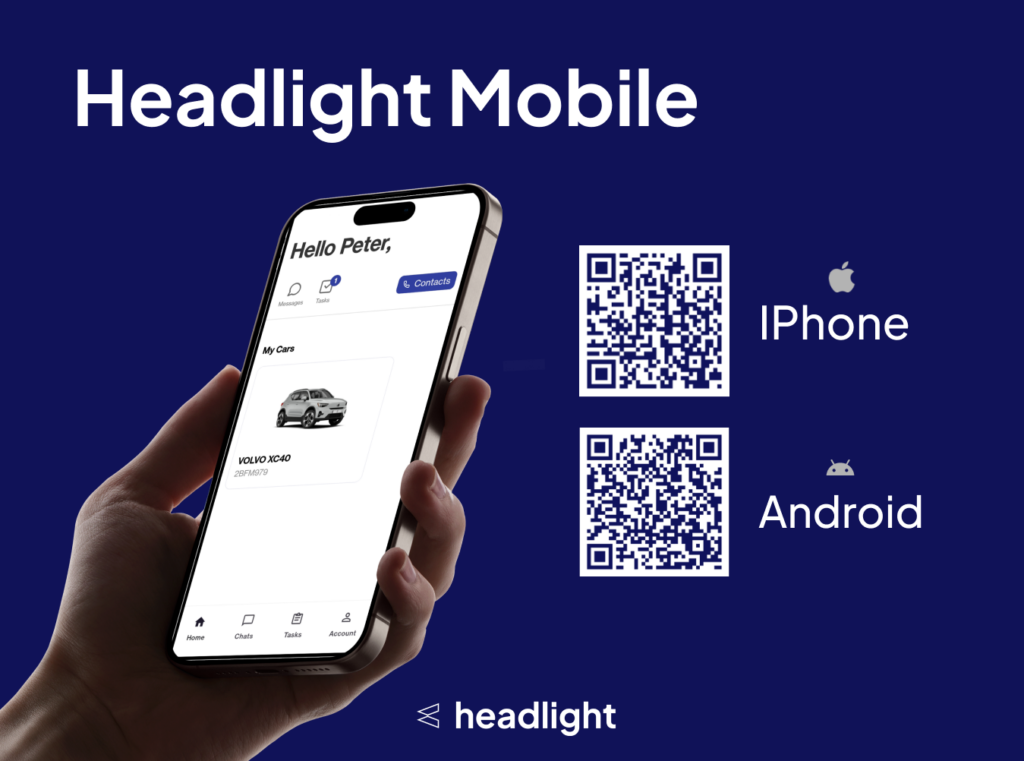
- You’ll first get need to download the app on your device. See the first training on how to download the app linked below.
- The links and QR codes are listed on this page as well.
- You can watch the dedicated video trainings in the chapters listed,
- OR, You can watch the complete video in one setting on this page. Whatever is more convenient.
Chapters
Set Up & Log In
https://www.help.headlight.tech/?ht_kb=headlight-app-setup-login-main-page
Find & Use Contacts
https://www.help.headlight.tech/?ht_kb=headlight-app-find-use-contacts
Send Messages to Lucy or Fleet Manager
https://www.help.headlight.tech/?ht_kb=headlight-app-send-messages-to-lucy-or-fleet-manager
Find My Tasks or Start a Workflow
https://www.help.headlight.tech/?ht_kb=headlight-app-find-my-tasks-or-start-a-workflow
Find Vehicle or Company Documents
https://www.help.headlight.tech/?ht_kb=headlight-app-find-vehicle-or-company-documents
Find Vehicles, Energy Cards and Charging Assets
https://www.help.headlight.tech/?ht_kb=headlight-app-find-vehicles-energy-cards-and-charging-assets
Navigate to Home & Use Menu buttons
https://www.help.headlight.tech/?ht_kb=headlight-app-navigate-to-home-use-menu-buttons
How to download the Headlight Mobile Application
First, download from your applicable mobile application store:
- Android:
- Apple:
Next, log in with the same credentials as used in on the web application, typically your Microsoft credentials.
If you use SSO (Single-Sign-On) on the web app, use SSO in the mobile app ; If you use a password on the web app, use a password in the mobile app.
Watch the full video
This video has the same content as the videos listed in the chapters. You can watch it here, if you prefer to watch it all in one go.
Open this link on your mobile device to watch the video optimized for mobile format:
https://app.arcade.software/share/zxCDMNcV6fRWolf69gkS
✅ You have now completed the basic tour where to find everything in the app!
Check our Help Pages for more background on when to use certain functions in Headlight.


